Description
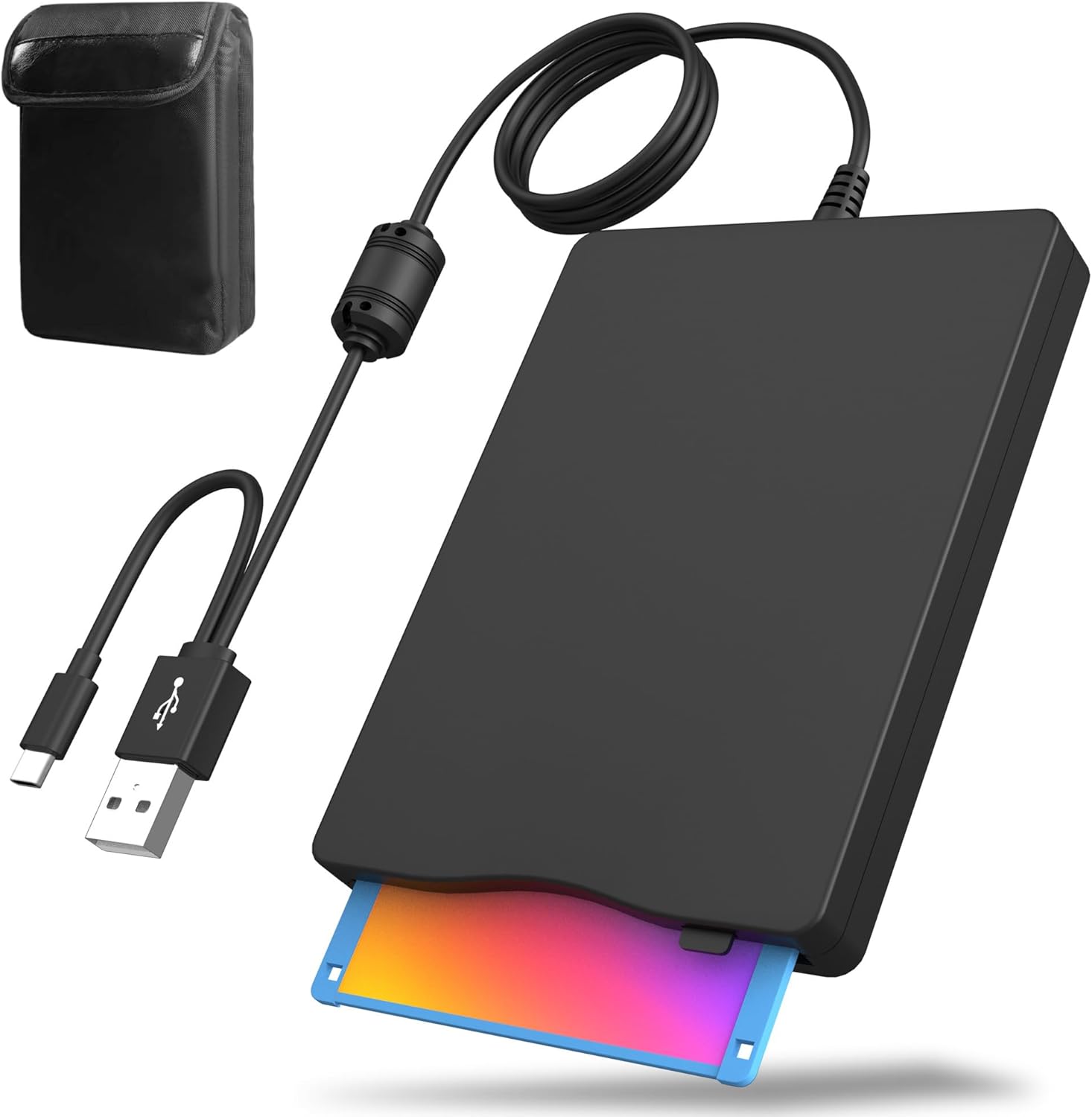
🔵[Portable & Durable Case]–Includes a high-quality carrying case to protect the floppy disk drive while you’re on the go, ensuring safety and convenience during travel. It’s also a great gift for those who have saved a lot of great memories on their floppy disks.
🔵[USB 3.0 Speed]–Enjoy faster data transfer with USB 3.0 support for quick access to files and enhanced performance, all without needing additional drivers.
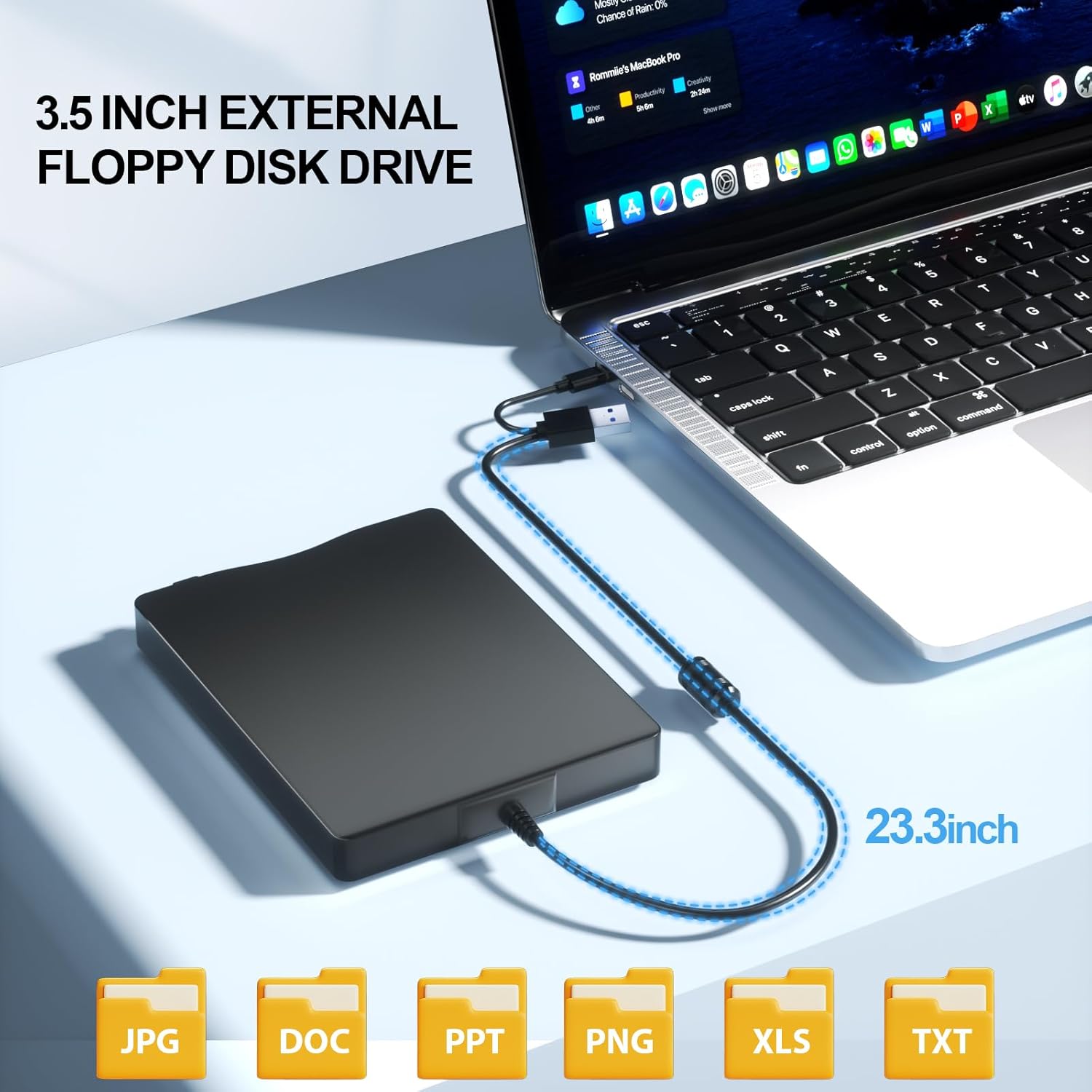
🔵[Plug and Play]–No need for additional software installation—simply plug it into any USB port and start using it instantly with minimal setup required.
🔵[Broad Compatibility]– Compatible with Windows 11/10/8/7/2000/XP. In Windows 11/10 systems, there are many show/hide options in File Explorer, so after opening “Windows File Explorer”, you may not see the drive icon named “Floppy Disk Drive (A:)”. Please open “Devices and Printers”, right click on the drive icon named “TEACV0.0” under “Devices”, move the cursor to “Browse Files” and then click on “Floppy Disk Drive (A:)”, then you will see the contents of your disk.
Color: Black
| Digital Storage Capacity | 1.44 MB |
| Hard Disk Interface | USB 3.0 |
| Connectivity Technology | USB |
| Brand | Wbacon |
| Special Feature | Lightweight |
| Hard Disk Form Factor | 3.5 Inches |
| Compatible Devices | Desktop, Laptop |
| Installation Type | External Hard Drive |
| Color | Black |
| Hard Disk Size | 1.44 MB |